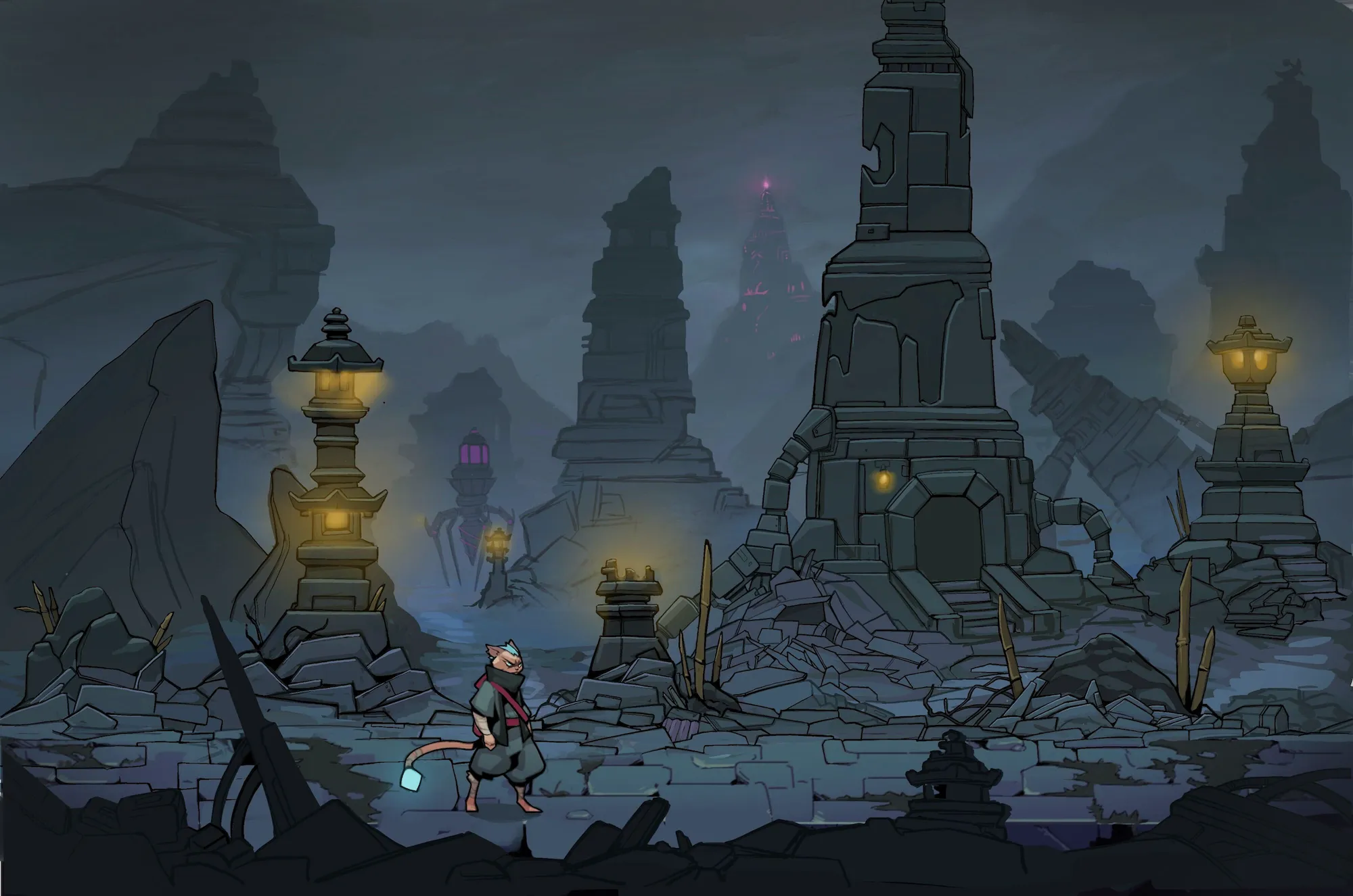
DUSKMENDShadow and Light
A hand-drawn metroidvania. Carry the light on Duskmend's tail through a world that is falling apart, and wake the old powers of the seven Kato clans.
Trailer
Every frame of animation in Duskmend is drawn by hand.
The legacy of the seven Kato clans
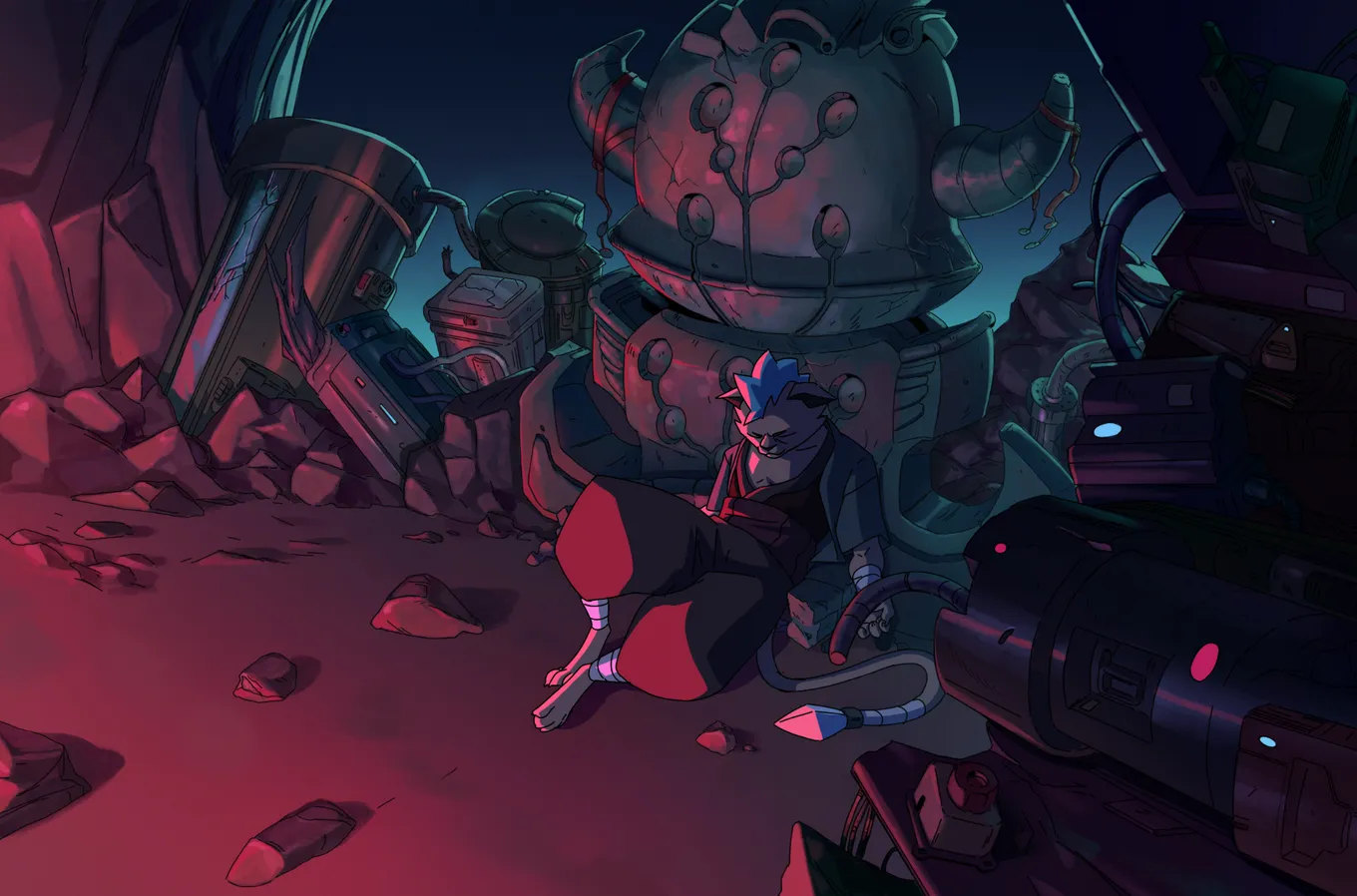
The world is collapsing. Duskmend, a cat ninja with a blue light burning at the tip of the tail, takes up the legacy of the seven Kato clans to save the people who are left.
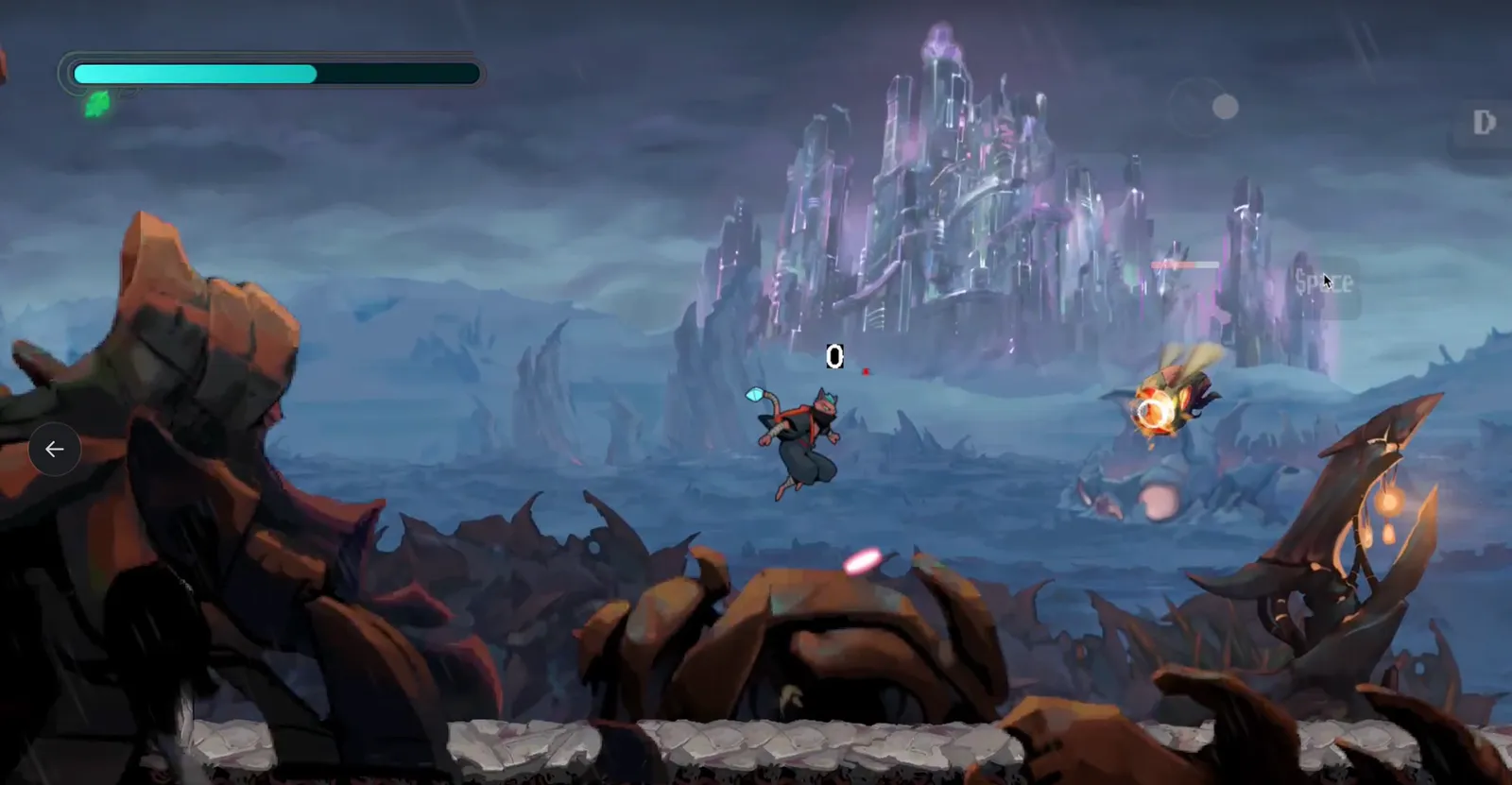
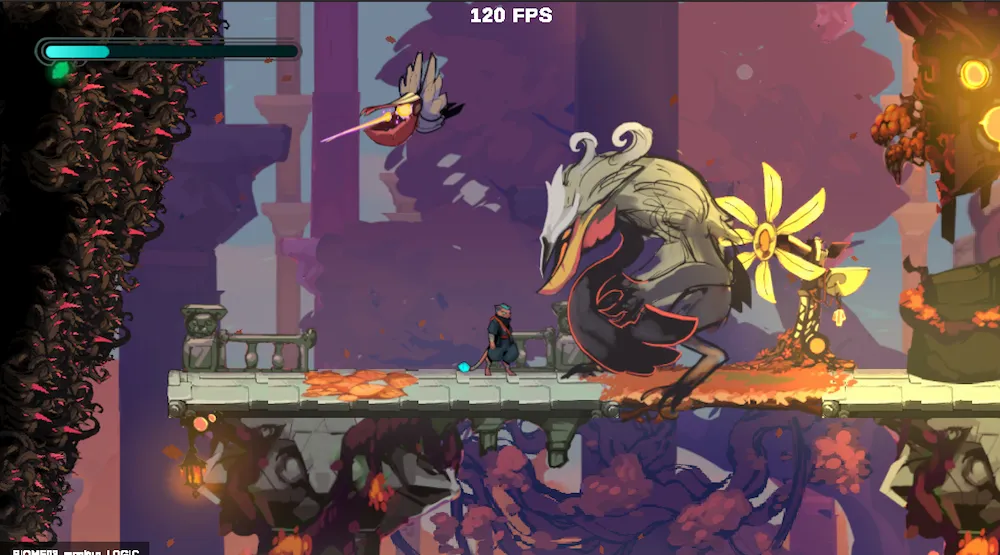
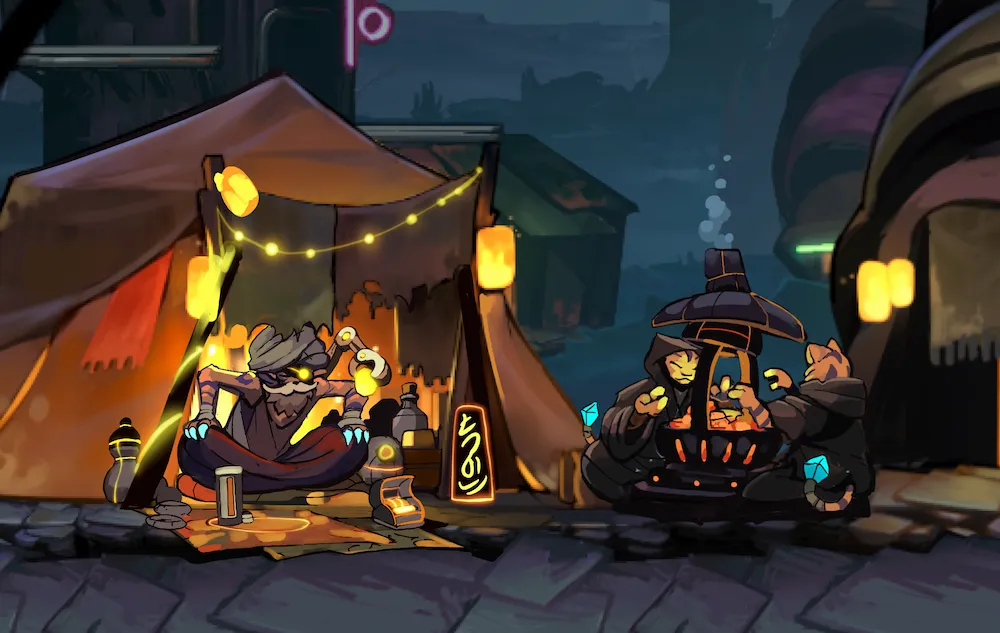
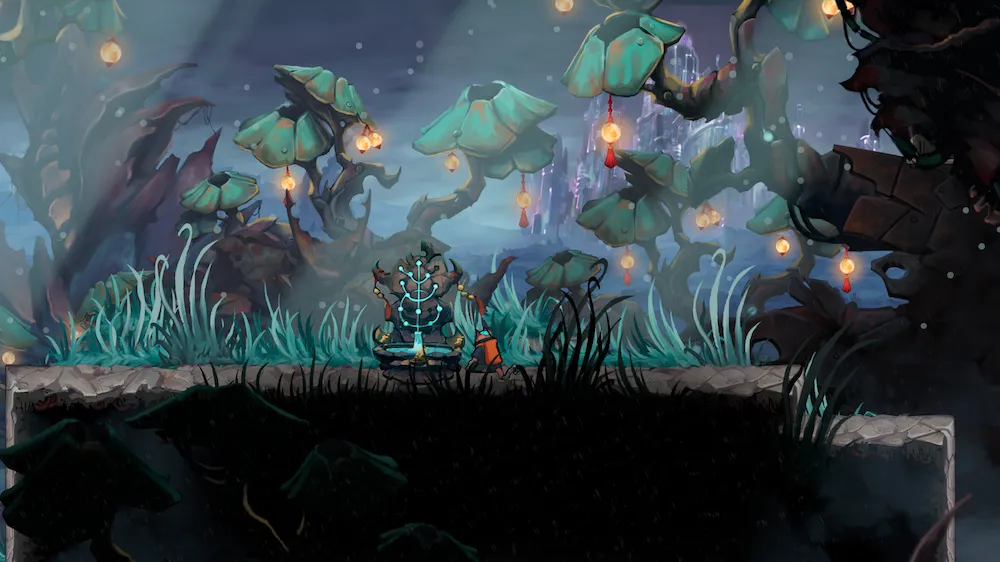
Wake the old powers one at a time and carry them deeper in: rainy villages, mushroom forests, a violet library, steampunk markets, bone yards and the catacombs below. Over all of it stands a city of crystal, and huge machines move through the fog.
How it plays
Four things you do all the time in Duskmend. Pick one to see it in the game.
Places
Screenshots from the current build. Click one to see it full size.
Controls
The default layout. Every binding can be changed in Options and saves automatically.
- MoveWASD
- JumpSpace
- Drop downS+Space
- DashShift
- ParaglideG
- SlashJ
- ParryK
- Shurikenunlocks in gameL
- Kunaiunlocks in gameU
- Concentration (hold)R
- Switch weaponC
- InteractF
- MapM
- MenuTab
Xbox and PlayStation controllers both work. Shuriken and kunai are tools you find while playing, so their buttons do nothing at the start.
Early Access
Duskmend is still being made. The full game is planned at 8 to 10 hours, and the current build holds about the first hour of it. Bug reports and ideas are always welcome.
In this build
- About an hour of the journey
- Bosses Borg and Baltus
- Normal, Hard and Ironman difficulty
- Keyboard and controller, fully rebindable
Coming next
- Story illustrations and dialogue
- The rest of the second region
- The first part of the third region
- An ultimate ability and an energy system
- Steam release
- Mobile version for iOS and Android
Download Duskmend
The Early Access build is free to download.
- Build
- Early Access
- Platform
- Windows
- Size
- 115 MB
- Language
- English
- Price
- Free
Unzip the folder and start the game. If Windows SmartScreen shows a warning, choose More info, then Run anyway.